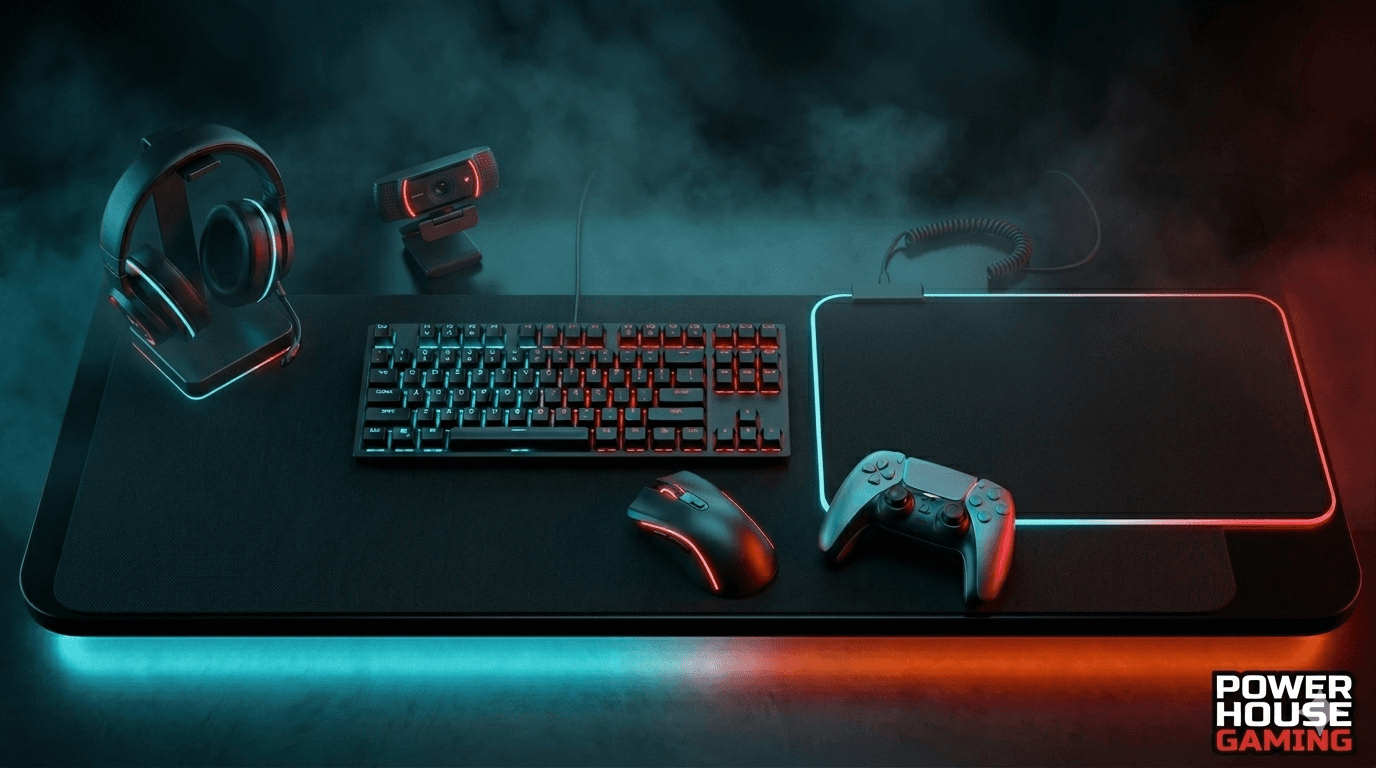
Starting out in gaming is exciting. But walking into a store or browsing online can feel overwhelming really fast. There are hundreds of options, and everyone has an opinion. The truth is, you do not need to spend a fortune. You just need to know what to buy first. This guide covers the gaming accessories for beginners that actually matter in 2026, so you can build a solid setup without wasting money.
Why the Right Accessories Make a Real Difference
How Accessories Affect Your Gaming Performance
Your gaming performance is not just about your PC specs. A monitor with a low refresh rate makes fast games feel choppy. A cheap headset makes it hard to hear footsteps in competitive shooters. A poorly designed mouse can hurt your accuracy. The gear you use directly affects how well you play. When your setup works with you, not against you, your game improves naturally. If you want to improve your gaming performance, start by making sure your accessories are not holding you back.
What Beginners Usually Get Wrong When Buying Gear
Most beginners make one of two mistakes. They either buy the cheapest thing available and regret it later, or they go all out and spend money on gear they do not need yet. The smart move is in the middle. Focus on essentials first. Do not chase RGB lighting or branding. A plain mouse with a great sensor beats a flashy one with a bad one every single time. Build smart from the start, and upgrading later becomes easy.
Essential Accessories Every Beginner Needs
These are the core pieces every beginner should prioritize. Get these right and the rest of your setup falls into place.
Gaming Headsets: What to Look for and Why
A good headset changes how you experience games completely. You hear things you would otherwise miss, which matters a lot in shooters and action games. For beginners, the best gaming headset is one that is comfortable for long sessions, has clear audio, and has a decent mic for team communication. You do not need surround sound or noise cancellation to start. Look for a headset with good build quality and solid sound. The HyperX Cloud II and SteelSeries Arctis 1 are both solid starting points under $60.
Mouse and Keyboard vs Controller: Making the Right Choice
This depends entirely on what you play. If you are gaming on a PC and playing shooters or strategy games, a gaming mouse and keyboard combo is the right choice. A lightweight mouse with a reliable sensor and a basic mechanical keyboard gives you a real edge. If you are on console or prefer sports and adventure games, a controller is the way to go. Do not feel pressured to use one over the other. Use what feels natural and matches your game type.
Monitors and Displays: Size, Resolution and Refresh Rate Explained
If you are using a PC, your monitor is one of the most important pieces of your setup. For beginners, a 24-inch 1080p monitor with a 144Hz refresh rate hits the sweet spot. You get smooth gameplay without needing a high-end GPU to run it. Resolution tells you how sharp the image looks. Refresh rate tells you how smooth the motion appears. Higher refresh rates reduce input lag and make fast-paced games easier to play. Check out our complete gaming setup guide for a full breakdown on picking the right display for your needs.
Accessories Worth Upgrading to Later
Once you have the basics covered, these are the next smart upgrades. They are not essential from day one, but they make a noticeable difference as you spend more time gaming.
Gaming Chairs and Desk Setup for Long Sessions
If you are gaming for hours at a time, your back and neck will feel it. A proper gaming chair with lumbar support makes a real difference. You do not need to spend $400 on a brand name. A mid-range ergonomic chair in the $150 to $200 range does the job well. Pair it with a desk that gives you enough space for your monitor, keyboard, and mouse without feeling cramped. Comfort is easy to overlook until you start having aches after every long session.
Capture Cards, Webcams and Streaming Gear
If you want to stream or record your gameplay, a capture card and webcam are worth looking into once you are comfortable with your setup. A capture card lets you record your screen with minimal performance impact. A webcam adds a face cam to your stream. Neither is urgent for a beginner, but if streaming is something you want to do, start with a basic 1080p webcam and go from there.
How to Buy Gaming Accessories on a Budget
You do not need to drop hundreds of dollars to build a great beginner setup. With some smart shopping, you can get everything you need without breaking the bank.
Best Budget Picks That Actually Perform
Headset: HyperX Cloud Stinger 2 (~$40) — comfortable, decent audio, works on all platforms
Mouse: Logitech G203 (~$25) — lightweight, accurate sensor, great for beginners
Keyboard: Redragon K552 (~$30) — mechanical feel, durable, solid starter keyboard
Monitor: AOC 24G2 (~$150) — 1080p, 144Hz, fast response time
Where to Find the Best Deals Online
Amazon, Best Buy, and Newegg run regular sales on gaming gear. Black Friday and Prime Day are the biggest discount windows of the year. If you are not in a rush, set price alerts on CamelCamelCamel for Amazon products. You can also check Reddit communities like r/buildapcsales for real-time deal alerts from other gamers. Buying last year's model is another underrated move. Most manufacturers refresh their product line annually, and the previous version often drops significantly in price without losing much in performance.
Final Thoughts on Gaming Accessories for Beginners
You do not need a perfect setup to start gaming. You just need the right setup for where you are right now. Start with a headset, a reliable mouse and keyboard or controller, and a decent monitor. Get comfortable. Then upgrade piece by piece as your budget allows.
The best accessory is always the one that removes a frustration you are currently dealing with. Build smart, buy with purpose, and your setup will grow with you. Ready to put your setup together? Check out our complete gaming setup guide and start building the right way from day one.