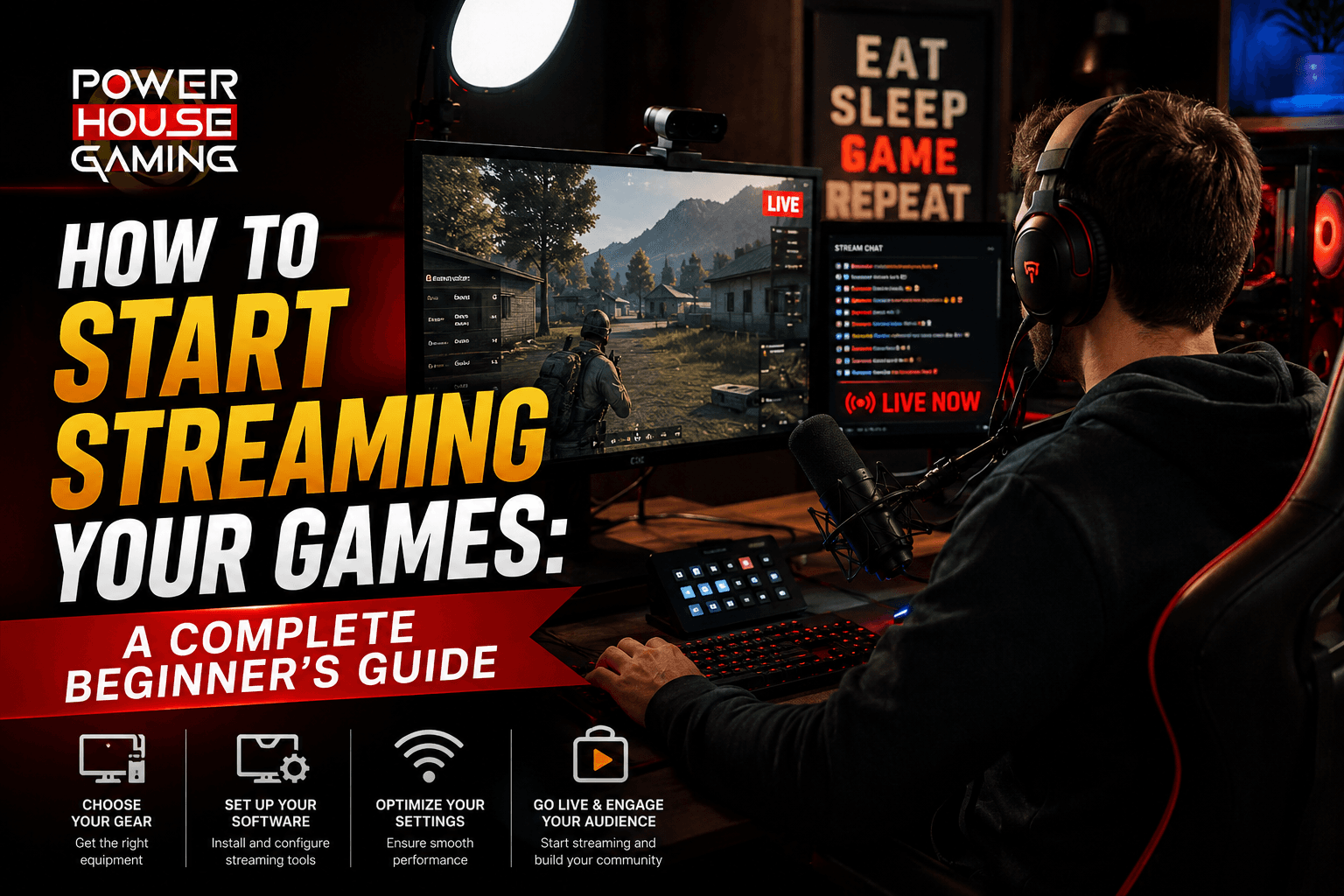
Game streaming in 2026 is more accessible than it has ever been. You do not need expensive equipment or years of experience to get started. With the right software, a basic setup, and a consistent schedule, you can go from zero viewers to a real audience in a matter of months. This guide covers everything you need to start streaming today.
If you have been thinking about streaming your games but do not know where to start, you are not alone. Most new streamers feel overwhelmed by the options before they even go live for the first time. The truth is that getting started is simpler than it looks. You do not need a studio setup or a thousand dollar microphone. You need a working PC or console, a decent internet connection, and the willingness to show up consistently. This guide will walk you through every step from your first piece of equipment to your first paying viewer.
What Do You Need to Start Streaming?
Before you go live you need to make sure your setup can handle streaming. The good news is that the bar is lower than most people think. Here is what you actually need versus what is nice to have later.
Minimum PC Requirements for Streaming
Streaming puts extra load on your computer because it is encoding video while you play. For smooth streaming at 720p you want at least an Intel Core i5 or AMD Ryzen 5 processor from the last few years, 16GB of RAM, and a dedicated GPU. For 1080p streaming you will want an i7 or Ryzen 7 and a stronger graphics card. If your PC is older or weaker, you can still stream but you may need to lower your resolution or frame rate. The most important thing is that your game runs smoothly and your encoding does not cause dropped frames. Check out our guide on how to optimize your PC for streaming for detailed settings and tips.
Essential Streaming Gear for Beginners
A Working Microphone is the most important upgrade you can make as a new streamer. Viewers will tolerate a lower quality video but bad audio will drive them away immediately. You do not need to spend a lot. A USB condenser microphone in the $50 to $80 range will sound dramatically better than your laptop microphone or headset mic. Check out our full guide on streaming gear for beginners if you want specific product picks.
A Capture Card (Console Only) is required if you are streaming from a PlayStation, Xbox, or Nintendo Switch to a PC. The capture card plugs into your console via HDMI and sends the video to your PC for encoding. If you are streaming directly from a modern console you may not need one as PS5 and Xbox Series X have built in streaming options.
A Webcam is optional but recommended. Most successful streamers show their face because it builds a stronger connection with viewers. You do not need an expensive webcam to start. A 1080p USB webcam in the $60 to $100 range works well. Many streamers start with no camera at all and add one later once they have built a small audience.
A Fast Internet Connection is non negotiable. For streaming at 1080p 60fps you need at least 10 Mbps upload speed. For 720p 30fps you can get by with 5 Mbps. Run a speed test on your connection and if your upload speed is below 5 Mbps you may need to contact your ISP or limit your stream quality.
Best Streaming Software for Beginners in 2026
Streaming software is what takes your game footage and audio and sends it live to your platform. There are a few good options in 2026 and the right one depends on how technical you want to get.
OBS Studio is the most popular free streaming software in the world and for good reason. It is completely free, open source, and incredibly powerful. OBS lets you set up multiple scenes, add overlays, manage your audio, and stream to any platform. The learning curve is a little steeper than other options but there are thousands of tutorial videos online and once you learn it, it is hard to switch to anything else.
Streamlabs is built on top of OBS but adds an easier interface with built in alerts, themes, and integrations for donations and subscriptions. It is a great choice if you want a polished looking stream faster without learning all the technical details of raw OBS. The free version is solid and the paid version adds more customization options.
Xbox Game Bar is a built in tool on Windows 10 and 11 that lets you stream directly to Twitch or YouTube with minimal setup. It is not as powerful as OBS or Streamlabs but if you want to test the waters without installing anything new, it works well enough to get your first stream up.
Which Streaming Platform Should You Choose?
In 2026 there are more places to stream than ever before. The platform you choose will shape who finds you and how you grow. Here is a breakdown of the main options.
Twitch, YouTube, or Facebook: Where to Start
Twitch is still the largest dedicated game streaming platform in the world. The discoverability for new streamers is harder than it used to be because the platform has matured, but the community is deeply gaming focused. If you want to build a core gaming audience, Twitch is still the first choice. You can reach Affiliate status after 50 followers and 500 total minutes streamed, which unlocks subscriptions and bits.
YouTube Live is a strong option especially if you plan to also post recorded content. YouTube's search algorithm can help new channels grow faster than Twitch because your past streams stay searchable. If you want to combine streaming with video creation, YouTube gives you a single platform for both.
Facebook Gaming has a smaller but very engaged audience and is worth considering if your target viewers are already on Facebook. It pays streamers at the Stars level earlier than Twitch and the community interactions can be stronger when you are just starting out.
TikTok Live is a newer option that has grown significantly in 2026. The short form audience is different from traditional streaming viewers but TikTok can send traffic to your other platforms if you cross promote well. Consider going live on TikTok as a supplementary strategy once you are established elsewhere.
How to Set Up Your First Stream Step by Step
Once you have your equipment and software sorted, setting up your first stream is straightforward. Here is the process from start to finish.
Setting Up OBS for the First Time
Download and install OBS Studio. When you open it for the first time, the auto configuration wizard will help you set your output resolution and bitrate based on your internet speed and PC specs. Connect your streaming platform account by going to Settings, then Stream, and entering your stream key from Twitch or YouTube. Add a game capture source in OBS by clicking the plus button in the Sources panel and selecting Game Capture. Set your audio sources for your microphone and desktop audio. Do a test stream for a few minutes to make sure everything is working before you go live for real. The test should confirm that your video is smooth, your audio is clear, and your bitrate is stable.
What to Do on Your First Live Stream
Your first stream will probably have zero viewers and that is completely normal. Treat it as a practice run. Play a game you enjoy, talk out loud even if nobody is watching, and get comfortable with the setup. Keep it short, maybe one to two hours. After the stream review your VOD if your platform saves it. Check your audio and video quality, look at your chat if you had any viewers, and note anything you want to improve. The most important thing about your first stream is that you do it. Everything gets better from there.
How to Grow Your Streaming Channel from Zero
Growing a streaming channel takes time and consistency. There are no shortcuts but there are strategies that work for new streamers in 2026.
Consistency Is the Most Important Factor
Streaming on a regular schedule is the single most important thing you can do to grow. Pick two or three days a week and stream at the same time each day. Viewers will learn when to expect you and come back. An unpredictable schedule is one of the main reasons new streamers struggle to build a following. Even if you can only stream twice a week, doing it consistently every week beats streaming seven days in a row then disappearing for a month.
Use Social Media to Drive Traffic to Your Stream
Post clips from your streams on TikTok, Instagram Reels, and YouTube Shorts. Short highlight clips are the most effective way to grow an audience outside of your streaming platform and drive them back to your channel. Post a clip within a day or two of every stream. Be active in gaming communities on Reddit, Discord, and Twitter. Engage with other streamers in your genre. Networking with other small streamers is one of the fastest ways to grow organically because you can host each other and share audiences. Playing games with small active communities is also a strong strategy since your stream can appear near the top of the browse page where it has a real chance of being discovered.
How to Make Money Streaming Your Games
Monetization is possible for most streamers who stick with it long enough. Here is how money flows in streaming and what milestones to aim for.
Twitch Affiliate is the first monetization milestone on Twitch. You need 50 followers, an average of 3 concurrent viewers, 500 total minutes broadcast, and 7 unique broadcast days within a 30 day period. Once you hit Affiliate you can earn through subscriptions, Bits, and game sales.
YouTube Monetization requires 1000 subscribers and 4000 watch hours for the standard ad revenue program, or 500 subscribers and 3000 watch hours for the newer lower tier. Once enabled you earn through ads on your streams and recorded videos. YouTube also has Super Chat and channel memberships.
Donations through services like StreamElements or Ko-fi can happen from day one. Many small streamers receive their first income through direct donations before they hit any platform milestone. Set up a donation link and mention it occasionally without being pushy.
Sponsorships start to become realistic once you have a consistent audience. Gaming peripheral companies, energy drink brands, and VPN services frequently sponsor streamers in the 500 to 5000 viewer range. Build your audience first and the sponsorship opportunities will follow.
Final Thoughts
Starting a streaming channel in 2026 is one of the most accessible creative projects you can take on as a gamer. The barrier to entry is low, the tools are free, and the potential audience is massive. The streamers who make it are not the ones with the best equipment. They are the ones who show up consistently, improve steadily, and build genuine connections with their viewers. Start with what you have, stream games you actually love, and focus on improving one thing each week. That is the real formula for building a streaming channel worth watching.