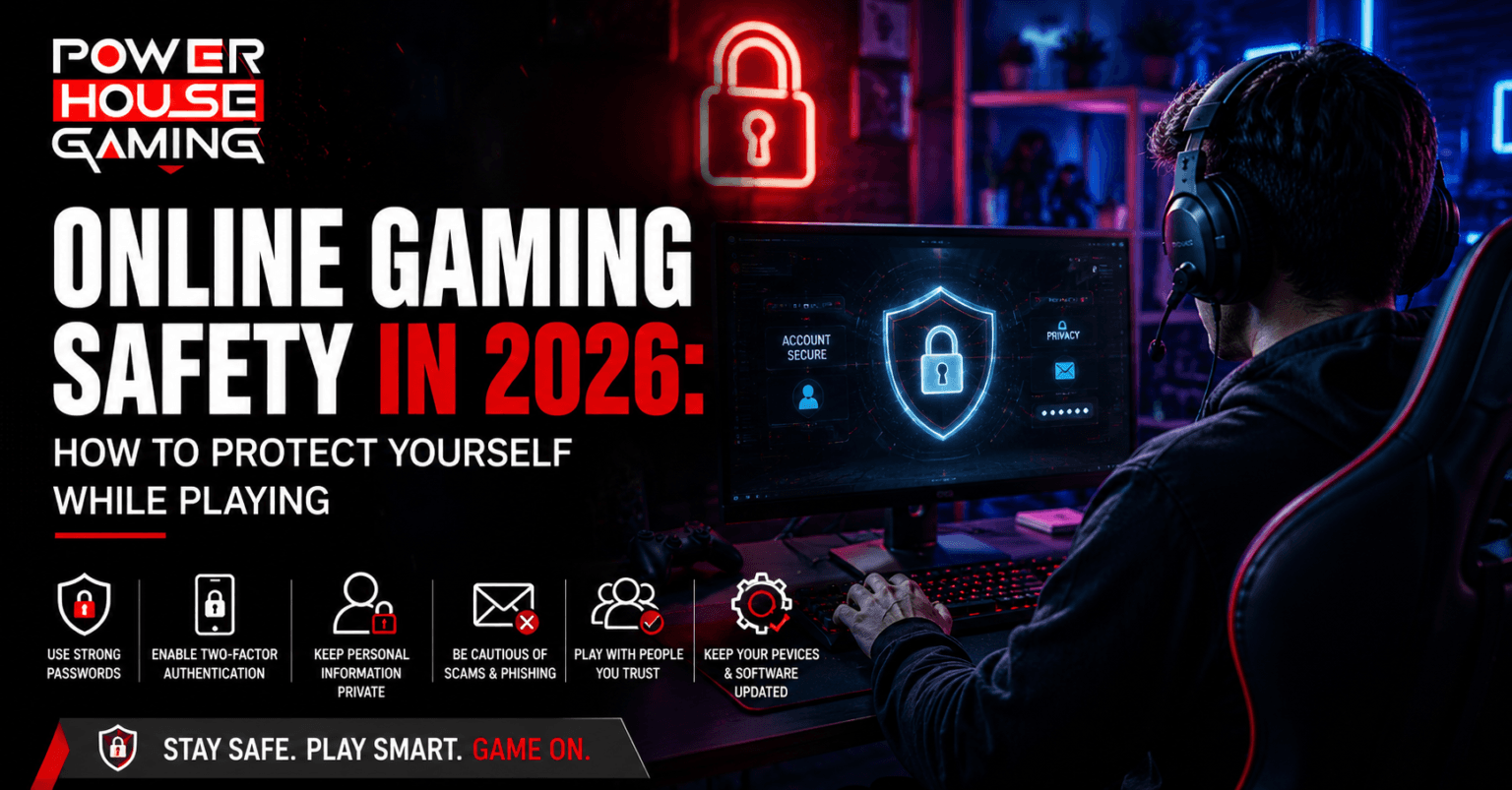
Online gaming in 2026 comes with real risks that most gamers ignore until something goes wrong. This guide covers the most important online gaming safety tips you need right now, from securing your account with 2FA and strong passwords, to spotting scams, protecting your personal information, and dealing with toxic players. Whether you are a casual gamer or play every day, these steps keep your account, your money, and your privacy protected while you play.
Gaming online in 2026 is a blast. You can squad up with friends, compete against players worldwide, and be part of some really great communities. But here is the thing nobody talks about enough. The more time you spend online, the more you become a target. Hackers want your account. Scammers want your money. Toxic players want to ruin your session. None of that has to happen to you. This guide breaks down exactly what you need to do to stay safe while you game, and most of it takes less than ten minutes to set up.
Why Online Gaming Safety Matters More Than Ever
A few years ago, losing a gaming account felt like a minor annoyance. Today it is a real loss. People invest hundreds of dollars into their accounts through games, skins, and in-game currency. That makes gamers a very attractive target for people looking to steal and scam online.
Common Threats Gamers Face Online Today
Phishing is the most common threat. Someone sends you a link that looks exactly like a Steam or PlayStation login page. You type in your details and just like that your account belongs to someone else.
Fake giveaways are another trap. A random message tells you that you won free skins or V-Bucks. All you need to do is click a link and log in. That link is a scam every single time.
Account takeovers happen when someone gets your password from a data breach on another website and tries it on your gaming accounts. This is why using the same password everywhere is such a bad idea.
How Cybercriminals Target Gaming Accounts
Hackers are not always going after big companies. Most of the time they go after regular players because regular players are easier to fool. They create fake support chats pretending to be from game companies. They message you on Discord acting like a friend who needs help. In 2026 some scammers are even using AI generated voices to sound like real people you know. The goal is always the same. They want your login details or they want you to click something you should not. If a message feels off or too urgent, stop and think before you do anything.
How to Secure Your Gaming Accounts
Your account holds your games, your progress, and in a lot of cases your payment information. Losing it is not just frustrating. It can cost you real money. Here is how to lock it down properly.
Strong Passwords and Two Factor Authentication
Start with your password. Make it at least 12 characters long and throw in numbers and symbols. Do not use your name, your birthday, or anything that a person who knows you could guess. Use a different password for every gaming account you have. Yes, every single one. If one account gets compromised and you reuse passwords, everything else goes down with it. After that, turn on two factor authentication on every platform you use. Steam, Xbox, PlayStation, Epic, Battle.net, all of them. Two factor authentication means that even if someone gets your password, they still cannot get in without a code sent to your phone. It takes two minutes to set up and it stops the majority of account hacks cold.
How to Spot and Avoid Gaming Scams
Gaming scams all follow the same playbook. They create urgency, they offer something too good to be true, and they push you to act fast before you can think clearly. Free currency, rare skins, account upgrades from strangers, none of it is real. Legitimate games do not send you free stuff through random DMs. If someone is offering you a deal on in-game items outside of the official store, walk away. Third party item trading sites are full of fraud. Only buy and sell through verified official marketplaces. If a link is asking you to log in and the web address looks even slightly wrong, close the tab immediately. Learning to avoid gaming scams online is really just learning to slow down and question anything that feels too convenient.
Protecting Your Privacy While Gaming Online
Most gamers share more personal information than they realize. It happens slowly through usernames, voice chats, stream backgrounds, and casual conversation. The fewer strangers who know about your real life the safer you are.
What Personal Information to Never Share Online
Keep your real name, home city, school, workplace, and phone number completely off limits in any gaming space. This includes voice chat, text chat, and direct messages with people you only know from games. Even small details can stack up. Someone knowing your first name, your city, and what school you go to is already enough to find you if they want to. Use a gaming username that has nothing to do with your real name or birth year. If you stream, be careful about what is visible in the background of your setup. Protecting your privacy while gaming starts with being intentional about what you put out there.
How to Manage Your Digital Identity as a Gamer
The smartest move is to keep your gaming identity completely separate from your real life identity. Use a dedicated email address just for your gaming accounts. Do not use the same one you use for work, banking, or anything personal. On Steam, set your profile, game library, and playtime to friends only. On Discord, turn off direct messages from people outside your friend list. On PlayStation and Xbox, hide your real name and online status from people you have not approved. These settings already exist on every major platform. Most people just never bother to change them from the defaults.
Dealing With Toxic Players and Online Harassment
Toxic behavior is something almost every online gamer runs into at some point. It ranges from trash talk to targeted harassment that follows you across sessions. You do not have to engage with any of it.
How to Use Reporting and Blocking Tools Effectively
Every major gaming platform gives you tools to mute, block, and report other players. The moment someone starts being abusive, mute them right away. Do not argue back because engaging only makes it worse and gives them the reaction they are looking for. After muting, go ahead and report them through the in-game system. Take a screenshot first if the harassment is serious because evidence makes your report much stronger. Platforms take action on reported players, especially when reports come with proof. Before you start on a new game, take five minutes to learn where the report and block options are. Check the best online multiplayer games to see which ones have the best built-in safety tools before you commit to one.
Building a Positive Gaming Environment for Yourself
You have more control over your experience than most people do. Build your friends list carefully and stick to playing with people who make the game enjoyable. Use party and squad features to filter who you end up matched with. If a game's community is consistently negative no matter what you do, it is completely fine to move on. There are great communities built around every kind of online multiplayer game out there. Find the ones that match how you like to play. Your mental experience during a session matters just as much as your account security.
Final Thoughts on Staying Safe While Gaming Online
Staying safe online as a gamer in 2026 does not require you to be a tech expert. Set up a strong password and turn on 2FA tonight. Tighten your privacy settings on your main platforms this week. Learn what a scam looks like so you never fall for one. Use the mute and report tools when you need to instead of letting toxic players ruin your sessions.
A little bit of setup goes a long way. Gaming is one of the best things you can do for fun and competition. Protect your time, your money, and your experience by taking these steps seriously. Stay smart and keep gaming on your terms.